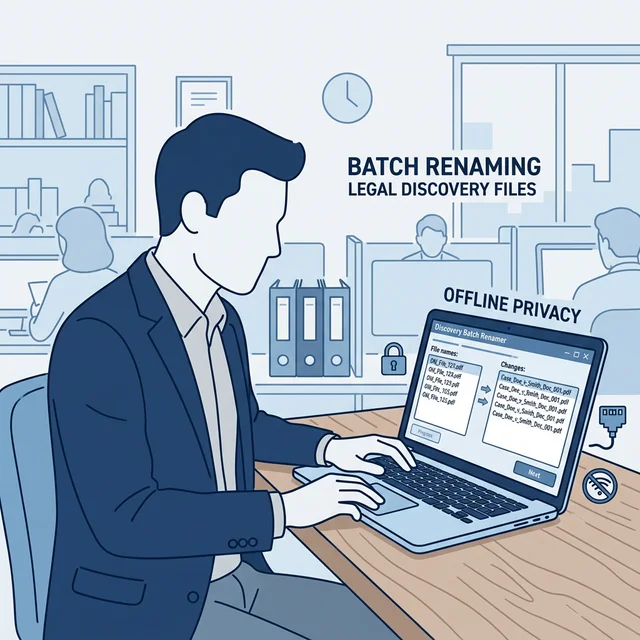
Key Takeaways: Legal Document Naming
- Paralegal Bottlenecks: Sorting through gigabytes of poorly named opposing counsel discovery dumps burns valuable litigation hours.
- Zero-Trust Processing: Uploading exhibit documents to cloud OCR websites breaches the ABA Model Rule 1.6 on Confidentiality. Operations must happen offline.
- AI Parsing: Use local software like RenameIQ to instantly read the content of thousands of scanned PDFs and rename them sequentially using Plaintiff/Defendant prefixes.
Every paralegal and litigation support specialist knows the sinking feeling of receiving a hard
drive from opposing counsel detailing 10,000 document scans arbitrarily named
bates_0001.pdf through bates_9999.pdf.
Finding a specific contract or email chain inside this dump requires manually opening each file, reading the header, and renaming it to something comprehensible. It is a grueling, repetitive task that inflates billable hours unnecessarily.
The Legal Trap of Free Online Naming Tools
When faced with massive document dumps, many support staff are tempted to Google "batch file renamer PDF." The critical error here is choosing web-based processors.
If a document contains Social Security numbers, medical history, or protected trade secrets, uploading it to a third-party server represents a catastrophic breach of attorney-client privilege. Legal firms require software that runs entirely isolated on the firm's internal servers or local desktops.
Automating the Discovery Dump
With the advent of secure, offline AI processing, law firms can now restructure discovery datasets in minutes using tools like RenameIQ. Here is the safest workflow for modern practices utilizing systems like Clio or MyCase:
- Isolate the Data: Mount the received hard drive or download the encrypted portal archive directly to a local, trusted workstation. Do not sync to OneDrive/Dropbox yet.
- Apply Local AI Extraction: Launch RenameIQ and point it to the parent directory. Select the "Legal Document Profile." The software will perform offline Optical Character Recognition (OCR) against the scanned artifacts.
- Set the Naming Rule: Instruct the software to locate specific key phrases
(e.g., "Deposition", "Email chain between X and Y", or Date of creation). Apply a naming syntax:
[Doc_Type]_[Extracted_Date]_[Bates_Number].pdf. - Execute the Batch Rename: Run the process. Your local machine's CPU will chew through thousands of files, transforming them into a coherent, searchable index.
A Note on Bates Stamping
While automatic file renaming fundamentally aids in searching and organizing, it does not replace the necessity of Bates stamping directly on the document pages. Rather, automated renaming complements it. Your goal is to append the Bates range to a highly descriptive filename so lawyers know exactly what they are clicking on before they open it in Acrobat.
Frequently Asked Questions
Does automating file names violate any evidence tampering rules?
No. Renaming the 'file container' title on your operating system does not alter the bytes or content of the original PDF document. However, always retain an untouched read-only archive of the exact delivery mechanism provided by opposing counsel.
Can I process HIPAA protected medical files with RenameIQ?
Yes. Because RenameIQ runs 100% offline via your local processor (CPU/GPU), no data is ever transmitted to a cloud server, ensuring you remain in total compliance with HIPAA and ABA regulations.
Does an organized file structure help with Practice Management Software?
Immensely. Software like Clio or PracticePanther rely heavily on well-formatted file names when you bulk upload documents into a specific Matter or Case File. Pre-processing them locally makes cloud ingestion far cleaner.